
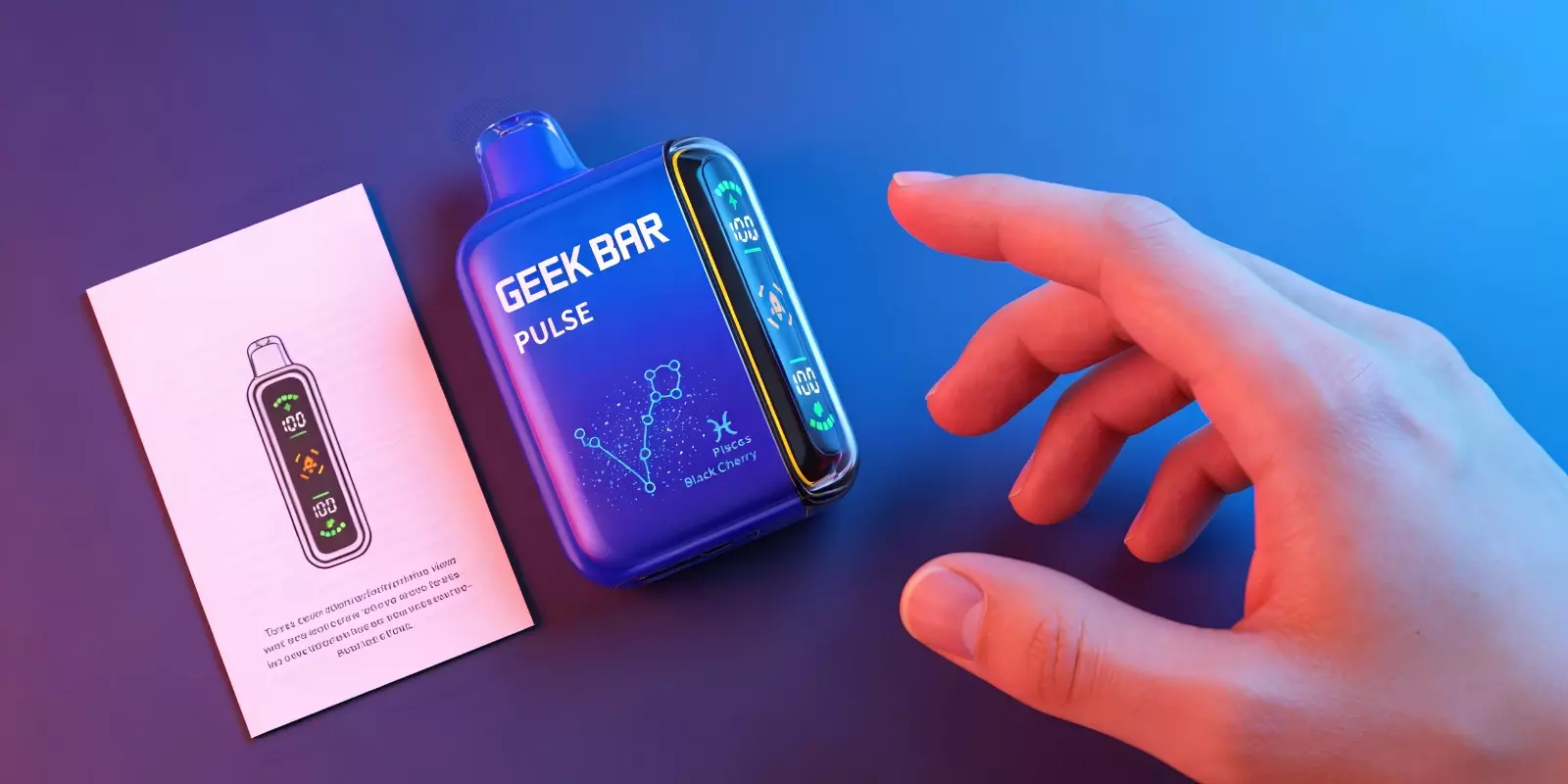
First-time vaping with a disposable device can feel overwhelming, especially with multiple modes and flavors. The Geek Bar Pulse simplifies it—ready to use right out of the box, beginner-friendly, and versatile enough for new and experienced vapers alike. This guide will show you exactly how to use a Geek Bar Pulse vape correctly.
Geek Bar Pulse: An Overview
The Geek Bar Pulse has emerged as one of the most advanced and user-friendly disposable devices in the ever-evolving disposable vape market. It’s a total steal, thanks to its intuitive design, long-lasting battery, easy operation, and an array of delicious flavors.
If you are new to vaping or are trying out the Geek Bar Pulse for the first time, while wondering how to get the most out of your vaping session, knowing how to use a Geek Bar Pulse is essential. Being a first-timer, you sure must be aiming to maximize your vaping output. And if that is the case, then this guide is tailored just for you! So let’s dive in!
Step-by-Step Guide On How To Use A Geek Bar Pulse
Geek Bar Pulse is designed to be straightforward, even for first-time vapers. No setup, no refilling, the device comes ready to use right out of the box. Here’s how to use a Geek Bar Pulse:
Unbox the device: Remove the Geek Bar Pulse from its packaging and take off any protective covers from the mouthpiece.
Check the device status: Make sure the screen or indicator light turns on, as it confirms that the device is active and ready.
Inhale to activate: Geek Bar Pulse is draw-activated. This means it automatically produces vapor when you inhale through the mouthpiece, no buttons required.
Use Pulse Mode if desired: Geek Bar Pulse supports Pulse Mode; switch it on using the built-in control.
Monitor battery and e-liquid levels: The display or indicators help you track remaining battery life and e-liquid levels, allowing you to pace your usage.
Recharge when needed: When the battery runs low, recharge the device using a compatible charging cable. Once fully charged, it’s ready for you to use again.
Tip for First-Time Vapers: Start with short, gentle inhales to get comfortable with the airflow and vapor production before trying longer draws or switching modes. This makes it easier for new users to feel confident from the very first inhale.
Geek Bar Pulse Modes: How to Choose Between Regular and Pulse
Now that you have the hang of how to use a Geek Bar Pulse, guess what? It offers two built-in vaping modes: regular and pulse. This allows you to adjust your experience without complicated controls. Each of these is designed for a different style of use. Let’s see how:
Features | Regular Mode | Pulse Mode |
Power Output | Standard | Increased |
Vapor Production | Moderate and consistent | Stronger and denser |
Battery Usage | More efficient | Drains faster |
Puff Longevity | Longer overall use | Shorter overall use |
Best For | Everyday vaping | Short, intense sessions |
User Experience | Smooth and steady | More powerful inhale |
Why Is The Geek Bar Pulse Ideal For Beginners?
If you’ve just begun your vaping journey, Geek Bar Pulse often removes many of the common challenges that new vapers face. For instance:
No setup or technical learning required
The draw-activated design means there are no complex menus or buttons, just inhale to get started.
Consistent performance from the first puff
Vapor output remains steady, helping you avoid harsh or uneven draws.
Option to try different intensity levels
With both regular mode and pulse mode available, you can explore different vaping styles at your own pace.
Built-in LED display for battery and e-liquid
These visual cues help new users be informed about battery life and puff count status without leaving it to guesswork.
Disposable convenience with rechargeable support
Eliminates the need for refilling or coil changes while still allowing USB-C Fast charging for extended use.
Together, these aspects make Geek Bar Pulse a comfortable starting point for anyone new to vaping.
Exploring The Popular Flavors of Geek Bar Pulse
Flavor plays a major role in how enjoyable vaping feels, especially for first-time users. Geek Bar Pulse offers a range of well-balanced flavor options that are easy to get used to. Because they transit your vape session into a more approachable one. Below are four popular Geek Bar flavors that many beginners tend to explore first:
Frozen Strawberry
A chilled take on ripe strawberries, this flavor blends fruity sweetness with a cooling finish. Frozen Strawberry is smooth, not overpowering, and works if you prefer familiar fruit profiles with a refreshing edge.
Watermelon Ice
Watermelon Ice delivers a light, juicy watermelon taste paired with a crisp icy note. The flavor stays clean and refreshing, making it a comfortable option for extended vaping sessions.
Miami Mint
Miami Mint focuses on a cool, mint-forward profile without being too sharp. Miami Mint is often chosen by beginners who prefer a clean, fresh inhale over fruity or sweet blends.
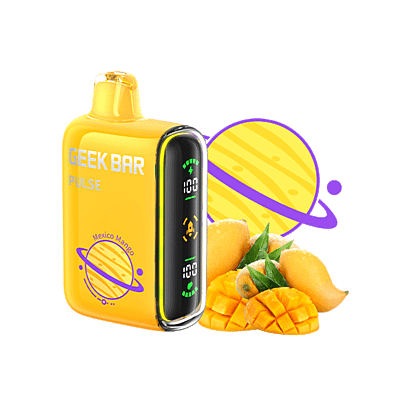
Mexico Mango
Mexico Mango offers a tropical mango profile that’s smooth and slightly sweet. It’s a good choice for users who enjoy richer fruit flavors without heavy aftertaste.
Getting The Most Out Of Your Geek Bar Pulse
Geek Bar Pulse brings together simplicity, flexibility, and consistency in a way that suits both first-time vapers and regular users. So if you prefer a steady, everyday experience or want to explore Pulse Mode for added intensity, Geek Bar Pulse offers a straightforward way to learn what works best.
Now, in case you are searching for an authentic one-stop solution to help you get your hands on this much-awaited device or any other wholesale vape products, here’s where Durity Distribution comes into the picture. Being completely customer-oriented and promising premium quality at reasonable prices, for retail or individual use, makes it a dependable choice if you are looking to step into vaping, while keeping your carts full with credibility and confidence.
Frequently Asked Questions
How to use Geek Bar Pulse X?
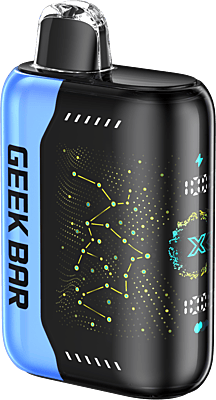
Geek Bar Pulse X is also draw-activated, so you simply have to inhale through the mouthpiece to start vaping. It supports mode switching. Pulse Mode can be toggled using the built-in control.
How do I set up my Geek Bar Pulse for the first time?
There’s no setup involved. Once unboxed and any protective seals are removed, the device is ready to use right away.
Do I need to charge my Geek Bar Pulse before using it?
Geek Bar Pulse typically comes pre-charged, but charging it before first use can help ensure uninterrupted vaping, especially for longer sessions.
How long does the Geek Bar Pulse last?
The lifespan depends on usage habits and the selected mode. Regular Mode generally allows more prolonged use, while Pulse Mode may reduce overall puff count.
How do I know my Geek Bar Pulse is empty?
The device will produce less vapor or stop activating altogether. Some models also display low e-liquid indicators on the screen.
Can beginners use Pulse Mode on Geek Bar Pulse?
Yes, beginners can try Pulse Mode, but it’s usually recommended to start in Regular Mode and switch to Pulse Mode once comfortable with the device.
Does Geek Bar Pulse require refilling or coil changes?
No, Geek Bar Pulse is a disposable vape. There’s no refilling or maintenance required; once it’s empty, it’s time to replace the device.