
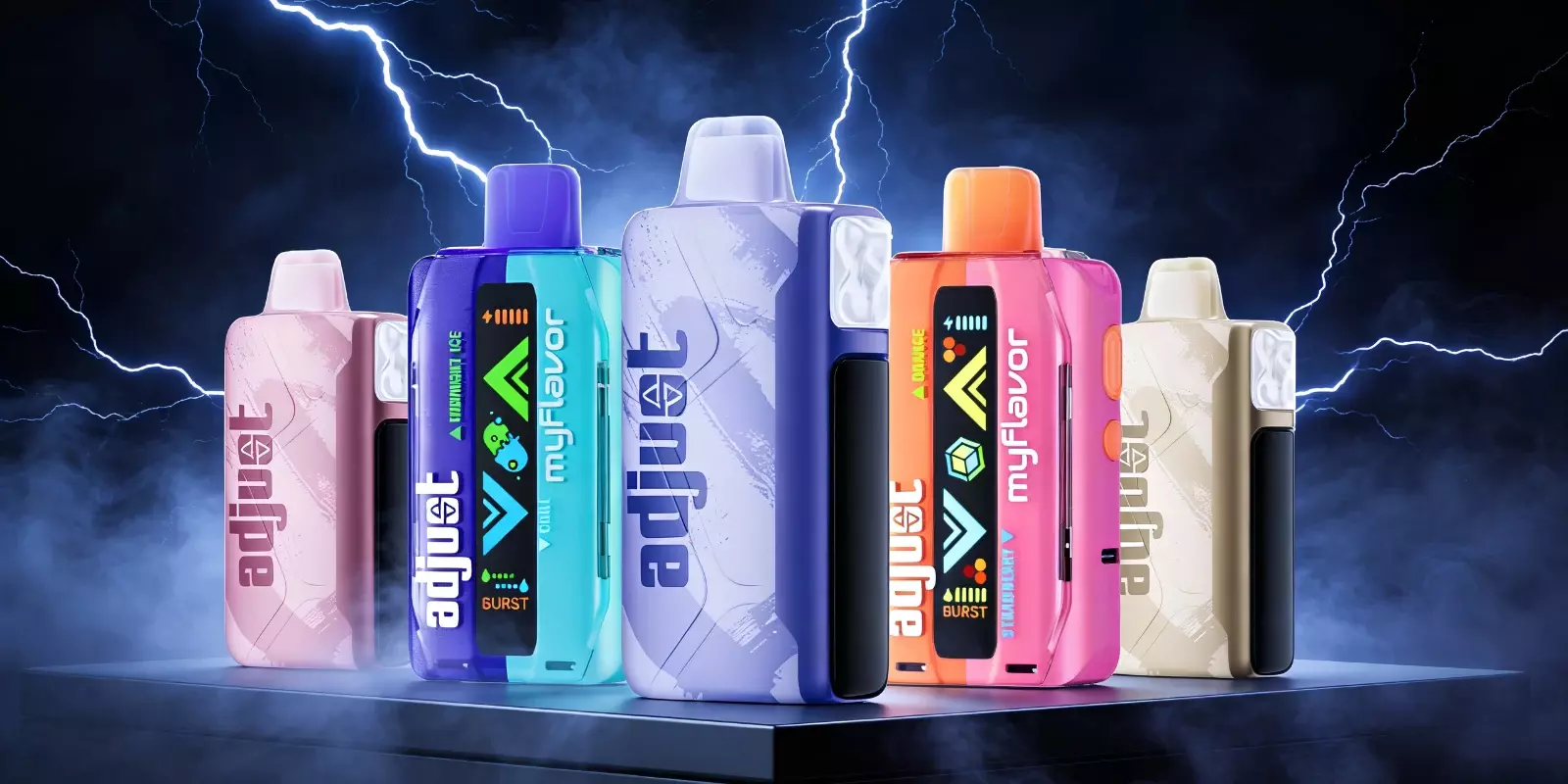
Before diving into “What is pulse mode on the Geek Bar,” it helps to understand the Geek Bar Pulse itself. The Geek Bar Pulse is designed to deliver a more customizable vaping experience compared to standard disposable devices. Unlike traditional disposables that operate at a single power output, this device offers two distinct vaping modes, each with different power levels and coil configurations. This allows users to switch between performance styles based on preference.
One mode is regular, and the other—central to this guide—is Pulse Mode.
What Is Pulse Mode On The Geek Bar?
So, what is Geek Bar pulse mode in practical terms? Simply put, it increases vapor production by activating two heating coils simultaneously instead of one. This dual-coil system allows the device to operate at a higher output, resulting in thicker clouds and a more powerful inhale.
While regular mode maintains a steady, balanced performance, pulse mode is designed for moments when intensity takes priority.
Switching Vape Pulse Mode: On and Off
Now that the basics are clear, it’s important to understand how to turn Pulse Mode on and off. Many users search for “what is pulse mode on Geek Bar” and “what does pulse mode do on Geek Bar,” but accessing this feature is just as important as knowing how it works. Pulse Mode is designed for straightforward operation and allows for smooth transitions during vaping sessions without added complexity.
Depending on the specific Geek Bar model, Pulse Mode can be enabled via a simple switch. Below are the steps for some of the most popular devices in the Geek Bar disposable vape lineup currently available on the market:
Geek Bar Pulse: Move the switch on the bottom of the device to the ‘pulse’ position. A rocket icon on the screen indicates that the mode is switched on.
Geek Bar Pulse X: Similarly, move the switch at the bottom of the device to the ‘pulse’ position. When the vape pulse mode is on, an icon of an “X” appears on the screen.
Once activated, the devices instantly shift performance output; switching them off returns the vape to regular mode, allowing you to adjust your experience without any interruption.
Vape Pulse Mode: Pros and Cons
Pros
Satisfies even the most discerning vapers
Increases the device’s performance by 200%
Offers an incredible kick
A mode of intense flavor and inhalation
Enhances overall performance for short sessions
Offers variety unlike a single standard mode
The signs of rapid activation add a touch of excitement to the vaping session
Cons
Uses battery faster than regular mode
May reduce total puff count by half to 7,500 puffs
Not ideal for extended or all-day vaping
Intensity may feel excessive for some users
Vape Pulse Mode vs Regular Mode
As we discussed the benefits and drawbacks of pulse mode, it’s only right that we lay out the clear difference between pulse and regular modes in a vape device.
Aspect | Pulse Mode | Regular Mode |
Power Output | Higher | Standard |
Vapor Production | Stronger | Moderate |
Battery Usage | Faster | More Efficient |
Puff Longevity | Shorter | Longer |
Experience | Intense | Consistent |
Used for | Short, high-intensity sessions | Better suited for longer use |
As you might have drawn the line, vape pulse mode is for you if you prioritize performance that leaves you satisfied, while regular mode is what you should stick to if your focus is on longevity and balance for controlled use.
When Should You Use Pulse Mode on the Geek Bar?
If you are seeking a stronger vaping experience without committing to it full-time, then pulse mode is your sign to turn your device into a high-performance one, as it is usually preferred:
During shorter vaping sessions
When users want more vapor production
As an occasional change from regular mode
When intensity matters more than battery life
Final Thoughts On What Is Pulse Mode On Geek Bar
From “what is Pulse mode on Geek Bar” to “what does Pulse mode do on Geek Bar,” now that all your queries are addressed in this guide, you might have concluded that the vape pulse mode adds a flexible layer to your disposable vaping. You can either use it occasionally for a stronger vapor or keep it alongside regular mode for everyday use; the choice is yours. Like any other feature, the value of vape pulse mode depends on how it fits your preferences and vaping habits.
By diving into the guide's details, you will be convinced that the pulse mode is where the Geek Bar Pulse truly shines. But for those of you curious to try vape pulse mode firsthand and see how it works out in reality, you need a reliable doorstep delivery. And for that, knock on the door of your one-step solution, that is us, Durity Distribution.
Frequently Asked Questions
Can I switch between pulse mode and regular mode?
Yes, you can switch between modes depending on the situation. And since both modes are built into the same device, you can freely switch between them without needing multiple vapes.
How do I turn off Pulse Mode on my Geek Bar?
Pulse mode can be turned off using the same control that activates it, i.e., typically by toggling the device’s button until it returns to regular mode.
What if my vape screen doesn’t work—how can I tell Pulse Mode is enabled?
On devices without a functioning screen, pulse mode can be indicated by a noticeable increase in vapor output or a change in the device’s LED behavior.
Does Pulse mode affect the total puff count?
Yes, using vape pulse mode more frequently can reduce the overall puff count since the device operates at a higher power level.
Is Pulse Mode available on all Geek Bar devices?
No, pulse mode is only available on specific Geek Bar models designed with dual performance modes.