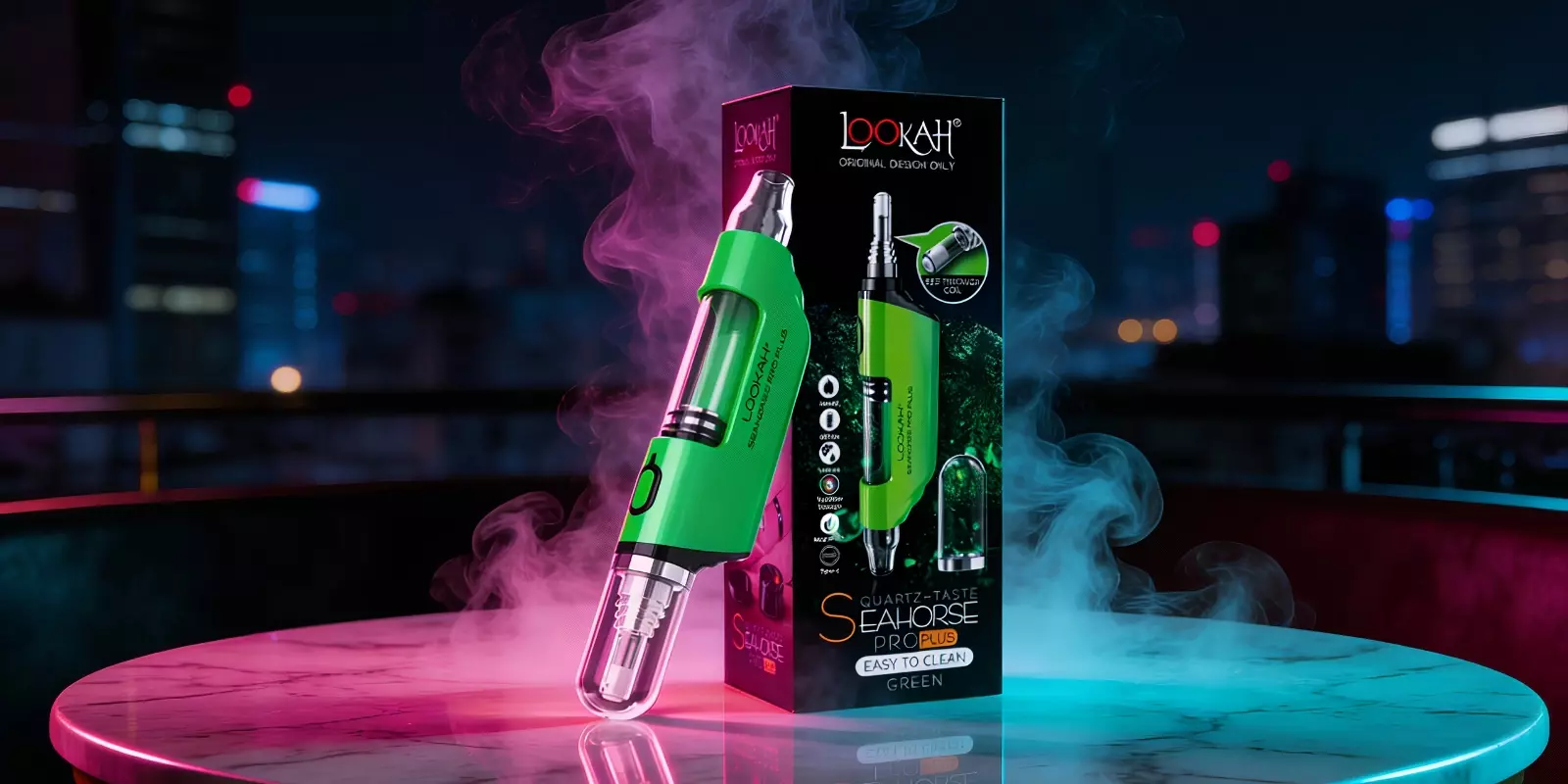
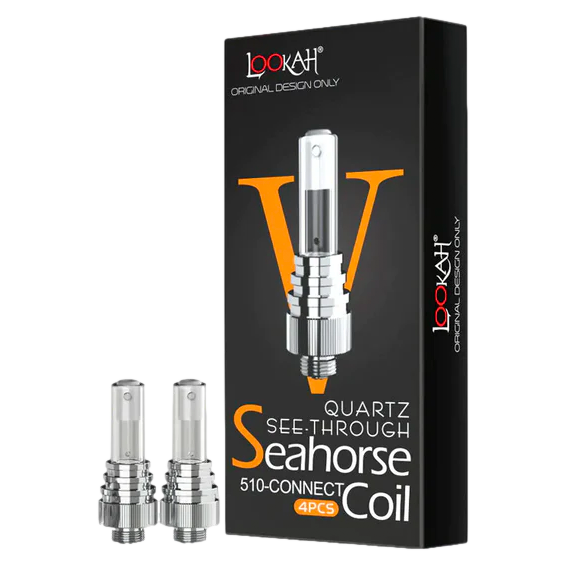
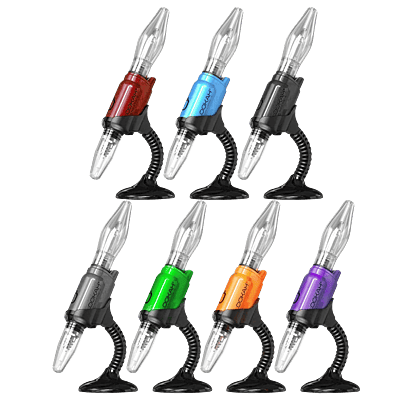
Using the Lookah Seahorse Pro Plus for the first time can be confusing without clear steps. Many users struggle to turn it on, choose the right mode, or know when to start heating. If you’re looking for how to use Lookah Seahorse Pro Plus, the steps below break down the full process in a simple, practical way. From basic controls to everyday use, these Lookah Seahorse instructions (Pro Plus edition) help beginners use the device correctly from the start.
How To Use Lookah Seahorse Pro Plus (Step-by-Step)
Here’s how to use Lookah Seahorse Pro Plus in a simple, direct way:
Charge the device fully using the USB-C cable until the LED indicates charging is complete.
Prepare your concentrate by placing a small amount in a clean, heat-resistant container.
Turn the device on by pressing the power button five times quickly.
Select a voltage setting by pressing the button two times quickly.
When the light turns blue, the device is set to 3.2V.
A purple light means the device is running at 3.6V.
A white light shows the 4.1V setting.
Use manual mode by pressing and holding the power button to heat the tip.
Touch the heated tip lightly to the concentrate at a slight angle while inhaling, then release the button to stop heating.
Start session mode by pressing the power button three times quickly.
Wait through the 15-second preheat, during which the LED will flash.
Inhale during the 30-second heating period once the light turns solid, gently touching the tip to the concentrate.
Exit session mode early, if needed, by pressing the button three times again.
Turn the device off by pressing the power button five times quickly after use.
Read more:How to Use a Nectar Collector Kit
Understanding the Basics Before You Start
Manual Mode vs Session Mode
Manual mode and session mode control how Lookah Seahorse Pro heats and how much control you have during use. Choosing the right mode is very important and remains a source of confusion for many users.
The following quick comparison table simplifies everything, helping you decide which mode to use:
Feature | Manual Mode | Session Mode |
How it works | Heats only while the button is held | Heats automatically after activation |
Button action | Press and hold | Press three times |
Preheat time | No preheat | 15 seconds (light flashes) |
Heating duration | As long as button is held | 30 seconds (light stays solid) |
Best used for | Short, controlled draws | Hands-free, steady use |
Heat control | Fully controlled by the user | Fixed heating window |
Common issue if misused | Uneven heating | Overheating if ignored |
Temperature Settings Explained
The Lookah Seahorse Pro Plus has three temperature settings. Press the power button two times quickly to cycle through them. Each setting is shown by a different light color and changes how the device heats and performs.
1. Low setting (3.2V – Blue light)
This setting is ideal when flavor matters most and is not limited to beginners.
Outcome: Maximum flavor preservation, smoother heating, and reduced risk of burning or buildup. This setting helps protect delicate terpenes that can be lost at higher heat.
2. Medium setting (3.6V – Purple light)
Best for regular, everyday use once you’re comfortable with the device.
Outcome: Balanced heating with steady output, moderate flavor retention, and controlled residue buildup.
3. High setting (4.1V – White light)
Used when stronger heat is needed and should be limited to short sessions.
Outcome: Fast heating with heavier output, but increased risk of harshness and carbonization. At this level, residue can harden into a black crust on the tip, which is harder to clean and can permanently affect flavor.
Important note:
Higher settings require closer attention. Staying on high heat too long can lead to burning and faster clogging, which is why many users start low and increase only when necessary.
LED Light Meanings
Different LED lights indicate different actions, settings, and warnings on the device. Knowing what each light means is important when learning how to use Lookah Seahorse Pro Plus, especially during early use.
Also, you’ll notice that some lights are directly tied to the Lookah Seahorse Pro settings, while others appear only during charging or error conditions.
Use the table below as a quick reference to understand what each LED light is telling you:
LED Light Pattern | When It Appears | What It Means | What You Should Do |
Solid Red | While charging | Battery is charging | Keep it plugged in |
Solid Cyan | While charging | Battery is fully charged | Unplug the cable |
Flashes 5 times (any color) | Power button pressed | Device is turning on or off | No action needed |
Solid or pulsing Blue | During use | Low voltage mode (3.2V) | Ready for use |
Solid or pulsing Purple | During use | Medium voltage mode (3.6V) | Ready for use |
Solid or pulsing White | During use | High voltage mode (4.1V) | Ready for use |
Flashing light for 15 seconds | Session mode | Preheating before use | Wait until the light turns solid |
Solid light for 30 seconds | Session mode | Actively heating at selected voltage | Use during this time |
Red flashing 10 times | Any time | Battery too low to heat | Recharge immediately |
Yellow flashing 5 times | Any time | Open circuit (tip not detected) | Tighten tip and clean threads |
Yellow flashing 10 times | Any time | Short circuit detected | Replace the tip |
Blue flashing 5–8 times | Manual mode | Safety cutoff or overheating | Let device cool for 30 seconds |
Rapid flashing (mixed colors) | Rare error | Internal error or overheating | Turn off and let it cool |
Common Beginner Mistakes To Avoid
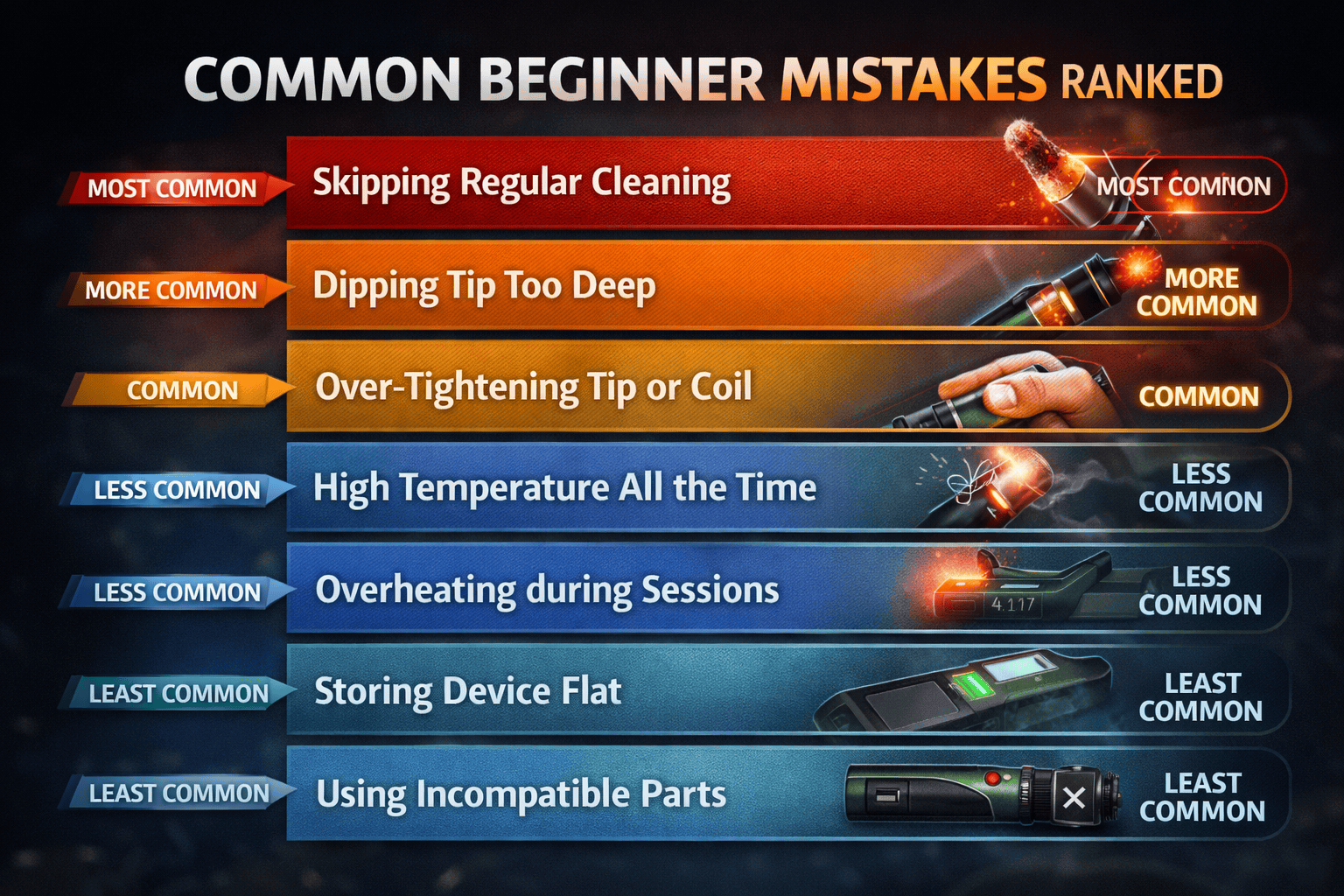
When learning how to use Lookah Seahorse Pro Plus, mistakes are common. Below are the most frequent mistakes along with Lookah Seahorse Pro plus tips for beginners to follow.
Mistake: Dipping the Tip Too Deep
Correction: Touch only the edge of the heated tip to the concentrate.
Mistake: Skipping Regular Cleaning
Correction: Residue builds up quickly if cleaning is ignored. After each session, allow any leftover material to burn off briefly, and clean removable parts regularly.
Mistake: Over-Tightening the Tip or Coil
Correction: Tighten the tip until it feels secure, then stop. Forcing it tighter can damage the connection and cause error lights.
Mistake: Using High Temperature All the Time
Correction: High heat isn’t needed for every session. Start with the lowest setting and move up only if required to reduce harsh output and residue buildup.
Mistake: Running Session Mode Repeatedly Without Breaks
Correction: Back-to-back session mode use can overheat the tip. If the device feels too hot or shows warning lights, pause use and follow battery safety guidelines from the U.S. Consumer Product Safety Commission.
Mistake: Storing the Device on Its Side
Correction: Laying the device flat allows residue to settle inside the airway. Store it upright in a cool, dry place when not in use.
Mistake: Using Incompatible or Low-Quality Parts
Correction: Parts not designed for this device can cause performance issues or errors. Use compatible tips and accessories made specifically for the Seahorse Pro Plus model.
Here’s a visual ranking showing which mistakes beginners make most often.
Cleaning And Maintenance: Quick Clean vs Deep Clean
Regular cleaning Searhorse Pro Plus keeps airflow clear and performance consistent. The table below shows how it should be done:
Cleaning Type | When to Do It | What It Involves | Why It Matters |
Quick Clean | After each session or daily use | Lightly heating to burn off residue, wiping the tip, clearing visible buildup | Prevents clogs, maintains airflow, and avoids bad taste |
Deep Clean | After heavy use or noticeable performance drop | Disassembling removable parts, soaking tip and glass in isopropyl alcohol, air drying fully | Restores performance, removes hardened residue, and reduces error lights |
Read more: How To Clean A Nectar Collector: Step-by-Step Cleaning Guide
Final Thoughts On ‘How To Use Lookah Seahorse Pro Plus’
Using the Lookah Seahorse Pro Plus becomes much easier once the basics are clear and the common mistakes are avoided. Paying attention to modes, temperature settings, LED signals, and simple upkeep helps keep performance consistent and prevents avoidable issues.
Make a habit of choosing the right heat level, allowing cooling time, and keeping the tip clean.
Also, if you’re getting started or troubleshooting an issue, follow the steps above carefully and take your time with the device to get the best experience from it.
FAQs
1. What Is the Lookah Seahorse Pro Plus?
The Lookah Seahorse Pro Plus is a portable, 510-thread electronic nectar collector designed for dabbing wax concentrates. It works as a straw-style device where the heated tip is applied directly to the concentrate.
Read more: Dab Pen vs Vape Pen: Vaper Guide
1. What Is the Lookah Seahorse Pro Plus?
The Lookah Seahorse Pro Plus is a portable, 510-thread electronic nectar collector designed for dabbing wax concentrates. It works as a straw-style device where the heated tip is applied directly to the concentrate.
Read more: Dab Pen vs Vape Pen: Vaper Guide
1. What Is the Lookah Seahorse Pro Plus?
The Lookah Seahorse Pro Plus is a portable, 510-thread electronic nectar collector designed for dabbing wax concentrates. It works as a straw-style device where the heated tip is applied directly to the concentrate.
Read more: Dab Pen vs Vape Pen: Vaper Guide
2. How to use Seahorse Pro Plus as a vape pen?
Unscrew the tip from the device and attach a standard 510-thread oil cartridge. Turn the device on with five clicks, then inhale while holding the button, or use three-click session mode.
3. How to use Lookah Seahorse Pro Plus with a bong?
Attach the silicone hose to the glass mouthpiece, then connect the included multi-size adapter to the hose. Insert the adapter into a 14mm or 18mm bong joint and inhale while using the heated tip.
4. How is the Pro Plus model different from the Seahorse Pro model?
The main difference is in performance and controls. Lookah Seahorse Pro settings are more limited, while the Pro Plus is an upgraded version, featuring key improvements like USB-C charging, an improved coil design, and a magnetic coil cap.
5. What features set the Seahorse Pro Plus model apart?
Key features include USB-C charging, a durable Type V porous quartz coil, a removable glass mouthpiece, dual heating modes, adjustable voltage settings, and a magnetic tip cover for protection.
6. What comes in the kit?
The standard kit includes:
1 Lookah Seahorse Pro Plus Device
1 Magnetic Tip Cover
1 Seahorse Type V Quartz Coil
1 Silicone Connection Hose
1 14mm/18mm Water Pipe Adapter
1 Cleaning Brush
1 USB-C Charging Cable
User Manual