
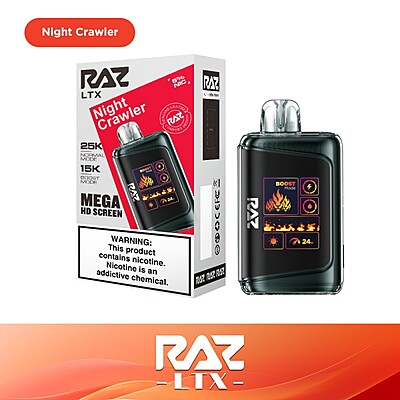
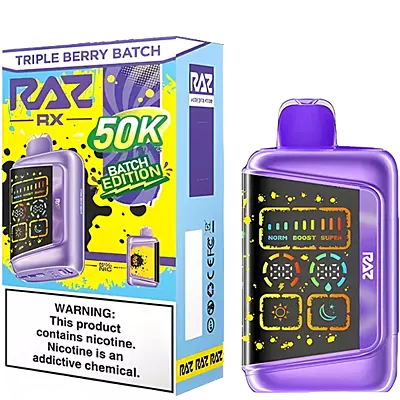
Using a Raz disposable vape is simple, but a few basic setup steps can make a big difference in its performance. Without proper setup, you might run into issues like weak vapor, charging problems, or a device that won’t activate.
These Raz vape instructions walk you through everything step by step—from unboxing and activation to charging, airflow adjustments, screen indicators, and fixing common problems.
How to Use a Raz Vape: Step-by-Step Instructions
Step 1: Unbox and Prepare Your Device
Before your first puff, set up your Raz device correctly to avoid common startup issues.
Remove the device from the box and confirm the model.
Remove all protective seals, including the mouthpiece plug and the bottom sticker.
Check that the airflow vents and the charging port are clear.
If your model has a screen, ensure it lights up and shows battery status.
Let the device sit upright for 1–2 minutes before using.
Once prepared, your disposable device is ready to activate.
If you’re starting with a flavor like Blue Razz Vape Flavor, proper setup ensures you get the intended flavor performance from the first draw.
Step 2: How to Activate a Raz Vape?
Most models are draw-activated. According to standard Raz vape instructions, once all seals are removed, simply inhale through the mouthpiece to activate the device — no power button is required.
If it doesn’t hit, make sure the device is charged and that the airflow vents are not blocked.
Read More: Do RAZ Vapes Have Nicotine?
Step 3: How to Charge Your Raz Vape?
Most Raz Vapes use a USB-C charging port located at the bottom of the device.
Connect the cable to a standard wall adapter or computer USB port.
Avoid using high-wattage fast chargers.
Check the screen or LED indicator to confirm charging.
Unplug once fully charged.
If charging fails, try a different cable or power source and inspect the port for debris.
Step 4: Understanding the Display Screen (For Screen Models)
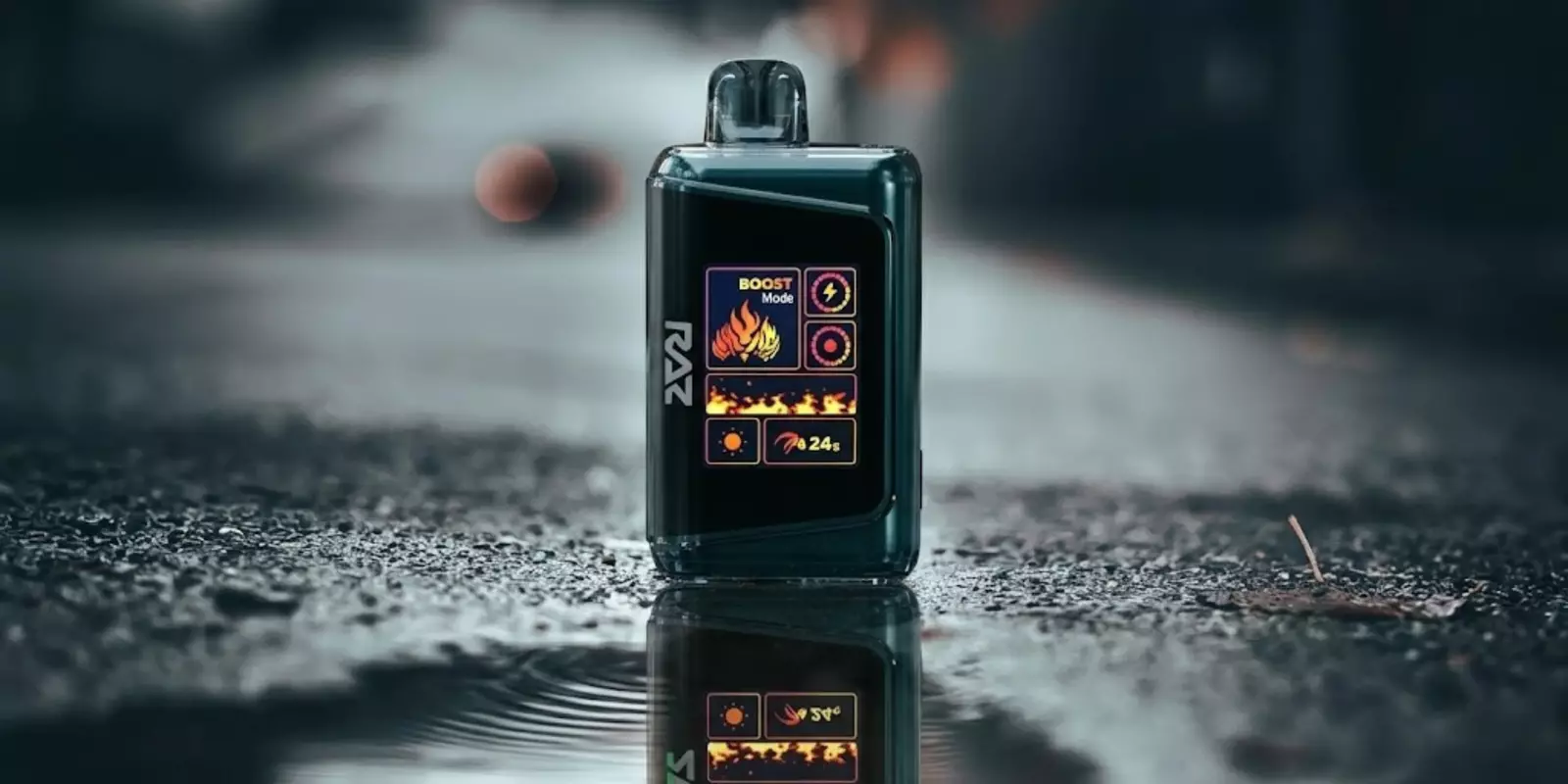
Screen-equipped Raz models provide real-time data so you can manage each vape session without guesswork.
The display typically shows:
Battery Level – Percentage or bar indicator to signal when it’s time to recharge.
E-liquid Level – Drop icon or segmented bar showing remaining liquid.
Puff Counter – Tracks total draws taken on the device.
Mode Indicator – Displays the active setting, such as Standard or Boost.
Step 5: How to Switch Modes?
The mode switch feature lets you change how strongly the device performs.
Standard Mode (12W)
Standard Mode runs at about 12W and is the default setting. It gives a smoother draw and uses battery more efficiently, helping the device last longer between charges.
Boost Mode (24W)
Boost Mode increases power to about 24W. This creates stronger vapor and thicker clouds but uses more battery and e-liquid with each puff.
To switch modes, press the mode button or follow the instructions shown on the screen.
Step 6: Adjusting Airflow
The Raz vape adjustable airflow instructions are easy to follow — just use the small slider at the bottom of the device to control how tight or airy each puff feels.
Stronger Draw
If you prefer a more solid pull, move the airflow slider slightly closed. This makes the inhale tighter and more concentrated. You’ll feel more resistance when you draw, which creates a stronger, more focused hit.
Smoother Draw
If you want a lighter, easier puff, slide the airflow open. This allows more air to pass through, making each inhale feel smoother and less restricted. It’s a good option for relaxed, comfortable pulls.
Best Practices for Using Your Raz Vape
Take slow, steady 3–4-second puffs to maintain smooth, consistent vapor output.
Pause a few seconds between draws to allow the coil to re-saturate, especially in Boost Mode.
Check the screen regularly for battery percentage, e-liquid level, and puff count.
Keep the airflow slider clean and free from dust or pocket lint to prevent restricted draws.
Store the device upright to reduce the risk of leaking and maintain consistent performance.
Related Read: How To Use A Vape
Raz Vape Problems & How to Solve Them
If your device isn’t working as expected, most Raz vape problems can be resolved with a few quick checks — let’s take a look:
Raz Vape Not Hitting
Check the battery level on the screen and recharge if low.
Make sure all mouthpiece plugs and bottom seals were removed.
Inspect the airflow vents and clear any blockage.
Take a slow, steady inhale to properly activate the draw sensor.
Read More: Why Is My Vape Lighting But Not Hitting?
Device Not Charging
Try a different USB-C cable.
Use another wall adapter or USB port.
Clean the charging port gently to remove dust or lint.
Confirm the screen or LED shows a charging indicator when plugged in.
Read More: How Long To Charge A Vape?
Weak Vapor
Switch to Boost Mode if your model supports it.
Recharge the battery if it’s below mid-level.
Adjust the airflow slider for a tighter draw.
Check the e-liquid indicator to ensure the device isn’t nearly empty.
Raz Vape Blinking Light
Recharge the battery if the device is showing a low-battery warning.
Make sure the charging cable is firmly connected to the port.
Inspect the charging port and remove any dust or lint blocking the connection.
Check the e-liquid indicator, as blinking can signal the device is nearly empty.
If blinking continues after charging, the device may have reached the end of its lifespan.
Final Thoughts
Getting the best performance from your device isn’t complicated — it just comes down to following the right steps. From setup and charging to airflow and mode changes, these Raz vape instructions cover everything you need to use it properly.
Once you understand the basics, most problems are easy to avoid or fix. Keep an eye on your battery and e-liquid levels, use steady draws, and your device should perform smoothly from start to finish.
FAQs
Do Raz vapes have an on/off button?
Most Raz models are draw-activated and do not have a traditional on/off button. You simply inhale to use it. Some screen models may have a button for switching modes, but not for powering the device on or off.
How long does charging take?
Most rechargeable models take about 45–60 minutes to fully charge. You’ll see the battery indicator fill up on the screen or LED when charging is complete.
Read More: Rechargeable Vapes Guide
Can I refill a Raz vape?
No. There are no official Raz vape refill instructions because Raz devices are disposable and come pre-filled with e-liquid. Once the liquid runs out, the device is designed to be replaced, not refilled.
What does the blinking light mean?
A blinking light usually indicates a low battery, a charging connection issue, or that the device has reached the end of its e-liquid. Check the battery level first.
How do I know when my Raz vape is empty?
You’ll notice reduced vapor, weaker flavor, or the e-liquid indicator showing empty on screen models. If it stops producing vapor even after charging, it’s likely finished.
Why does my Raz vape taste burnt even though it’s charged?
A burnt taste usually means the e-liquid is nearly empty or the coil wasn’t given time to re-saturate. Try waiting a few seconds between puffs. If the taste persists and the liquid is low, the device has likely reached the end of its useful life.
Read More: Vape Pen Not Working After Charge?
How Long Does a Raz Vape Last?
Raz disposable vapes typically last between 6,000 and 25,000+ puffs, depending on the model. A 9,000-puff device can last about 2–3 weeks for moderate users, while higher-capacity models like the 25,000-puff version are built for longer-term use. Actual lifespan depends on usage habits.