
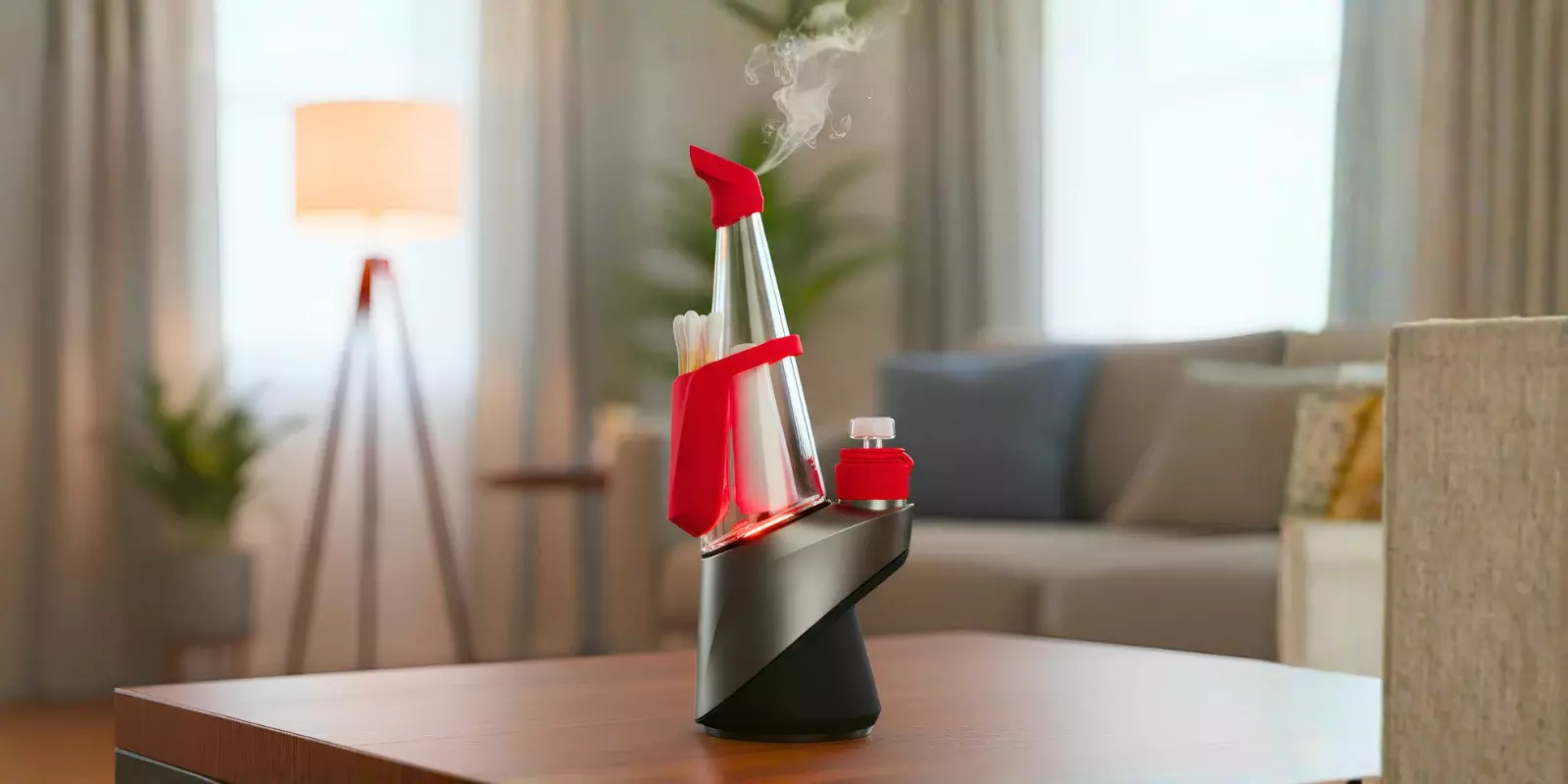
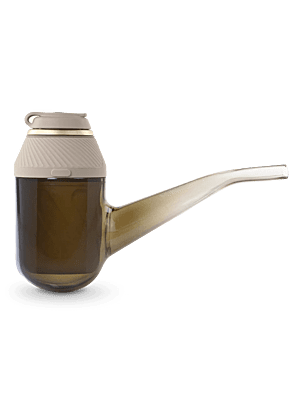
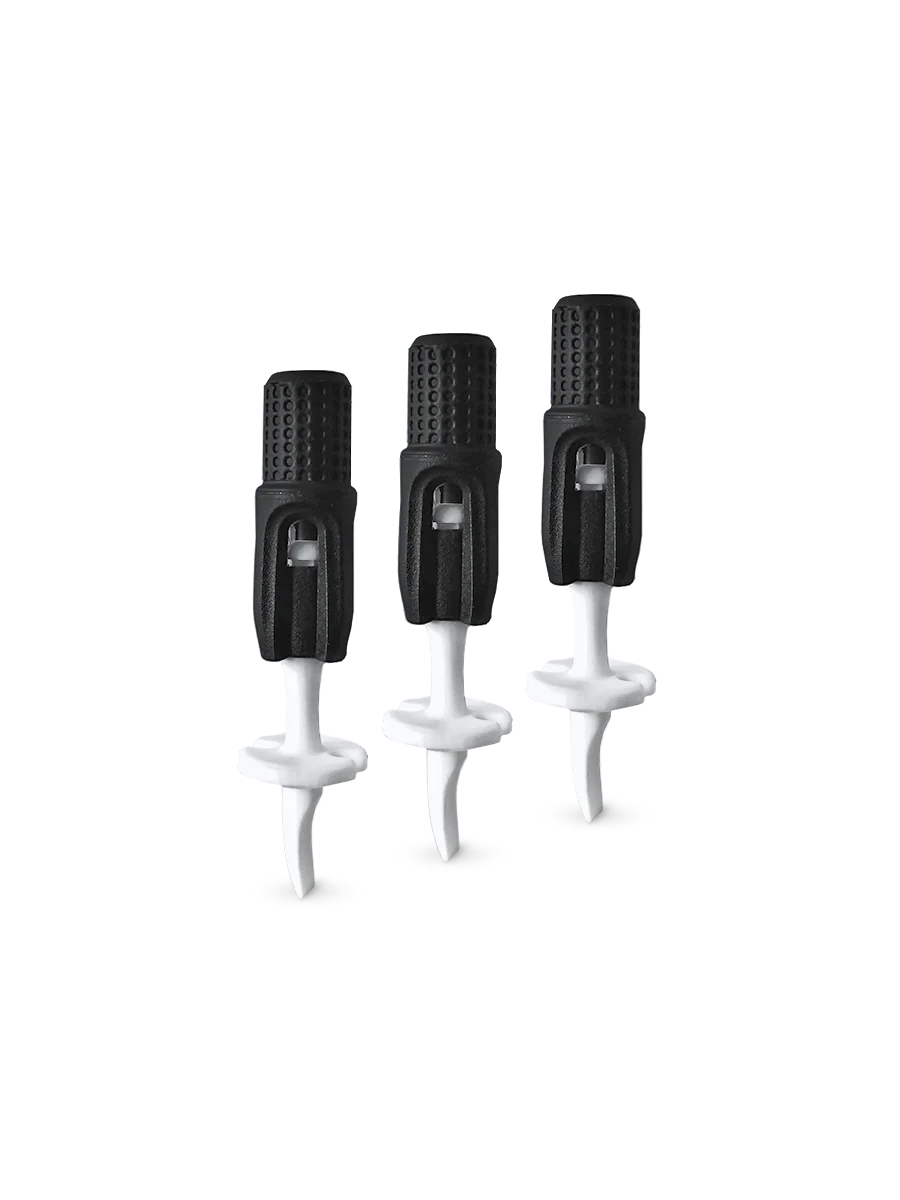
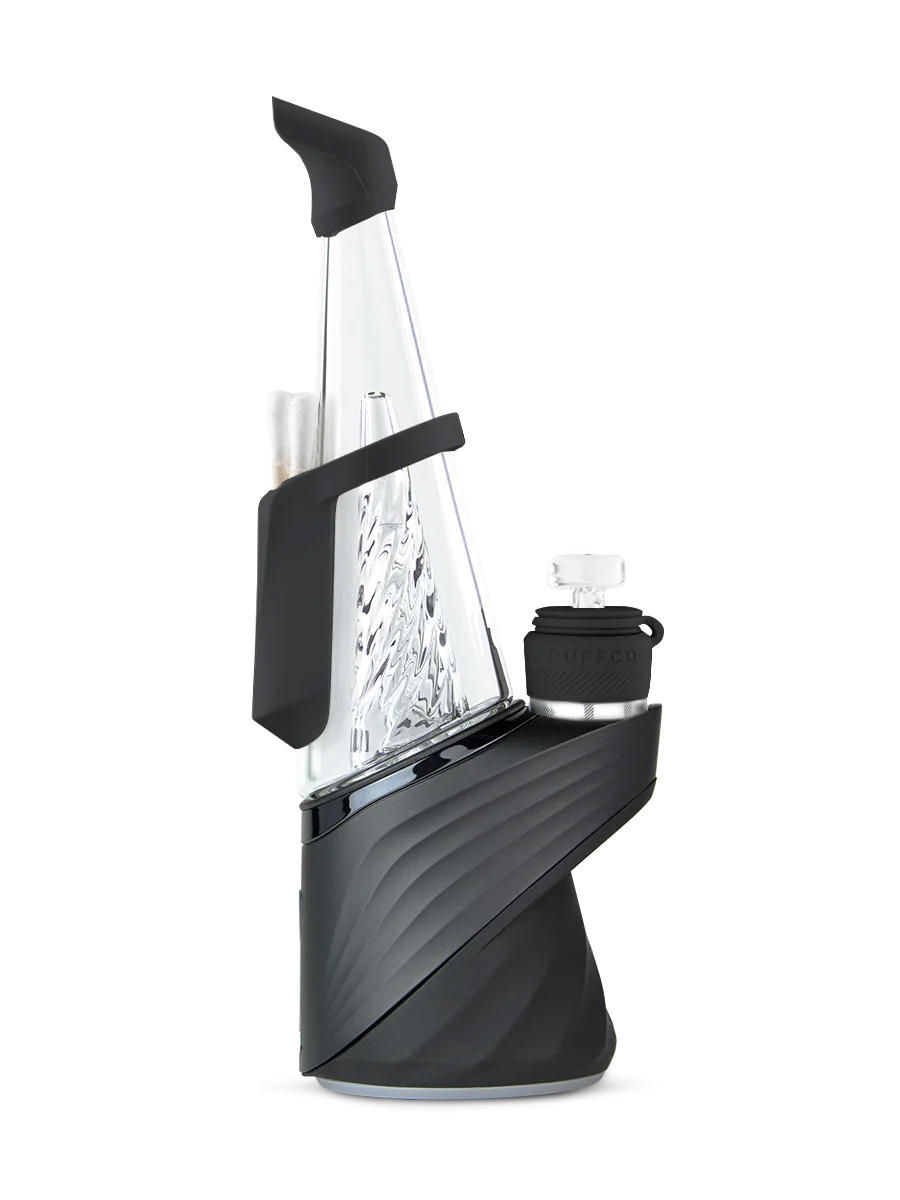
At times, seeing your Puffco flash red and white might be perplexing, particularly when you're ready to use it. This light pattern typically indicates an internal communication error within the device, although it is not something to worry about.
So, if you’re wondering “why is my Puffco flashing red and white,” this guide breaks down what the signal means and common causes. Plus, there are practical fixes to get your device working properly again, without issues like these.
Understanding Puffco Red & White Light Patterns
Light pattern | What it indicates |
Alternating red and white flashes | Connection issue between the chamber (atomizer) and the base |
Solid red with white flashes | Overheating or a temperature sensor issue |
Rapid red and white blinking | Often indicates a serious hardware or component-level issue |
Red and white blinking during use | General device error related to the connection or sensors |
Persistent red and white blinking | Underlying hardware issue that may require professional support |
What Does Flashing Red And White Mean On A Puffco?
If you see a red and white flashing light on your Puffco device, it's telling you there's a chamber (atomizer) connection error. More specifically, the base isn't making good electrical contact with the heating chamber where it needs to.
A lot of the time, this problem crops up because residue has built up on those points, or maybe after cleaning, there's still some moisture left, or the chamber isn't quite seated correctly.
When this occurs, your device will stop heating until a solid connection can be re-established.
Note: An atomizer connection error is not the only reason for the flashing; however, it is one of the most common.
Category | Issue | What does it usually point to? |
Physical Connection | Loose, dirty, or overtightened chamber | Poor electrical contact with base pins |
Moisture Problems | Damp pins or water in the base | Temporary connection failure |
Hardware Issues | Worn pins or a faulty atomizer | The chamber is unable to function properly |
Software & Power | Low battery, outdated firmware, or system glitch | The device fails to recognize the chamber |
Safety States | Overheating protection | Automatic safety lockout |
The Most Common Cause: Chamber Connection Error
A red and white light flashing on your Puffco could mean a few different things– but the most common reason is that it’s having trouble detecting the chamber.
This error appears when Puffco senses that the electrical circuit between the base and the heating element is either broken or unstable.
However, even if it looks like you've attached the atomizer correctly, there are still many small factors that could confuse things and prevent it from registering a good connection. Try following the steps below to fix the issue:
Make sure to thoroughly clean the chamber to get rid of any stubborn residue inside. An isopropyl alcohol solution with a strength of at least 90% is perfect for this job.
Remove dirt from the gold contact pins inside the base. Dip a cotton swab in alcohol and wipe it. Allow them to dry naturally.
When attaching the chamber, first tighten it firmly, but then turn it back slightly; this simple trick helps ensure the pins seat correctly.
Hold down that power button for 20 seconds to perform a hard reset.
Note:If your Puffco device still flashes red and white even after trying all these tips, it may mean the chamber or atomizer is worn out. Replacing it with a new one is the only reliable solution in this scenario.
Other Reasons Your Puffco May Be Flashing Red And White
1. Battery & Power Issues
The issue:
When the battery is very low or power is being delivered inconsistently, the device might show error lights instead of just a low-battery indicator.
Fixes:
Make sure you fully charge the device before using it again.
Try another USB-C cable or power adapter; there may be a charging issue.
Remove any debris, such as dust or lint, from the charging port so that it can connect properly and maintain a good connection.
2. Outdated Firmware (Peak Pro Models)
The issue:
If the device's software is out of date, newer chamber types won’t be recognized, which can result in the Puffco Peak Pro flashing red and white.
Fixes:
Link your device to Puffco Connect to check for any available firmware updates.
If updates are pending installation, make sure you finish installing them before you reattach the chamber to your Peak Pro.
Should the process stall, try restarting your device, but after disconnecting from the app.
3. Safety Lockout From Overheating
The issue:
When the Puffco device is used for long sessions at high temperatures, it will shut down to protect itself. This protective shutdown can appear as a connection problem, triggering the red/white blinking.
Fixes:
Turn off the device and let it cool down.
Don’t do back-to-back high-heat cycles.
Wait until it’s had a good cooldown before starting again.
4. System Glitch or Startup Failure
The issue:
Sometimes, Puffco devices can freeze due to temporary software problems or fail startup checks altogether.
Fixes:
Performing a full reset can help. Hold the power button for 15-20 seconds.
It’s best to let the device power down completely before powering it back on.
Make sure to reattach the chamber, but do this only after the reset is finished.
5. Sensor Malfunction
The issue:
The incorrect readings from either the internal temperature or airflow sensor can lead the device to stop working as a preventive measure.
Fixes:
Restarting the device might eliminate the possibility of a temporary error
Usually, sensor problems require a technician to fix or replace the sensor.
Summary: Most of the time, these steps are enough to solve the error. If none of these fixes work, it means the chamber has aged beyond its usual lifespan of 3–6 months and needs to be replaced.
Final Thoughts
Puffco devices show red and white flashing lights when they can’t function safely or properly. This guide revealed that the problem is frequently related to connection issues in the chamber
However, issues with battery power, outdated firmware, overheating, or software bugs may also be to blame.
If you try each of the mentioned fixes, in turn, it will be easier to figure out what is wrong. And if nothing works out, then ordering a new Puffco chamber is the ultimate fix.
FAQs:
1. Does using a non-Puffco chamber increase the chance of red and white flashing
Yes. Non-Puffco or incompatible chambers may not align properly with the base contacts, leading to repeated connection errors.
2. Can I use water to clean the chamber if it’s flashing red/white?
No. Water can interfere with electrical contact. Only isopropyl alcohol should be used, and all parts must be fully dry.
3. Does Puffco use different meanings for flashing and blinking lights?
No. On Puffco devices, blinking and flashing are used interchangeably and refer to the same light behavior. Whether someone searches for 'why is my Puffco flashing red and white' or ‘Puffco Peak Pro blinking red and white,' both describe the same error signal. What matters is the color pattern and timing of the lights, not whether they are described as blinking or flashing.
4. Why is my Puffco blinking red solidly with white flashes?
This usually indicates overheating or a temperature sensor issue, and the device temporarily stops to prevent damage.
5. How often should you replace a Puffco chamber?
Puffco chambers should generally be replaced every 1–3 months, depending on how often the device is used. Heavy use leads to faster depletion of life, while consistent cleaning can help prolong it.
More Puffco Articles On Durity Distribution: