Geek Bar
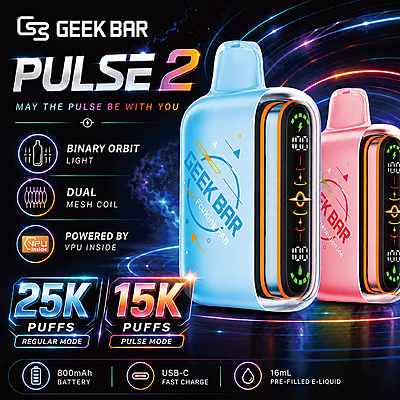
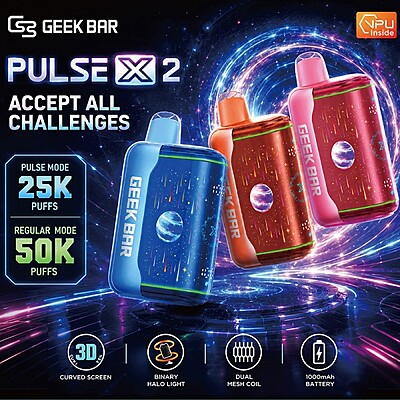
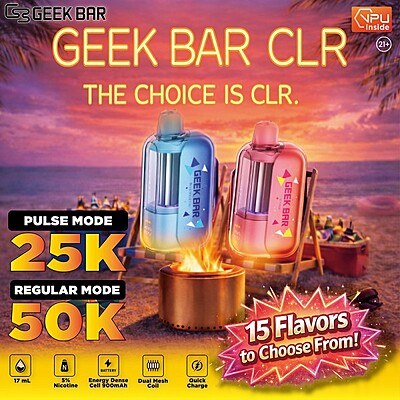
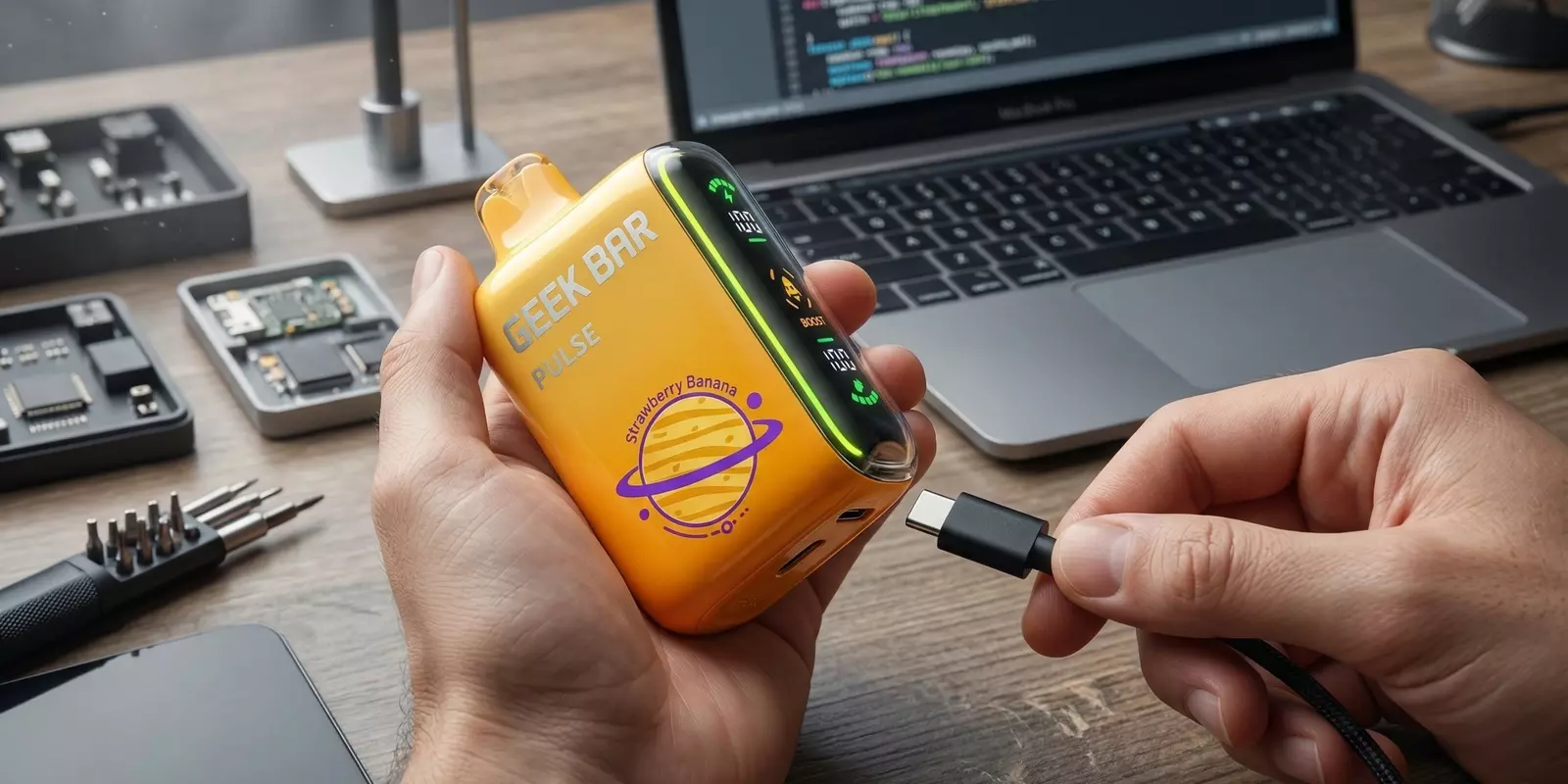
If your Geek Bar not hitting at all, the issue is usually caused by a few common factors, such as a blocked airflow, a depleted battery, an empty e-liquid reservoir, or an internal device fault. In many cases, the problem can be identified and fixed within a few simple checks.
This guide explains the most common reasons a Geek Bar stops producing vapor and the practical steps that may help get the device working again.
How To Diagnose Your Geek Bar In Under 60 Seconds?
You don’t need to overthink it. In most cases, the device is already giving you a clear signal — you just need to match the behavior to the right category. Here’s a quick way to figure it out in under a minute:
Symptom | Likely Cause | Quick Fix |
No light | Battery empty | Charge device |
Light but no vapor | Airflow or sensor issue | Check vents |
Blinking | Battery or safety lock | Recharge or replace |
Burnt hit | E-liquid low | Replace device |
Why Is My Geek Bar Not Hitting?
If your device suddenly stops working, don’t assume the worst. Most Geek vape problems are tied to a small number of common triggers — power, airflow, built-in safety protections, or the device reaching its intended lifespan.
Geek Bar Not Hitting After Charging
If your device is fully charged but still not producing vapor, it can be confusing — especially when everything seems powered on. When a geek bar not working even after charging, the issue usually comes down to a few specific factors worth checking:
Loose or Bad Charging Cable: Sometimes it’s just the cable. If it’s damaged or not connecting properly, your device may look like it’s charging but isn’t getting enough power.
Dirty Charging Port: A little dust or lint inside the port can stop the charger from making a solid connection.
Battery Not Holding Power: If it charges but dies quickly, the battery may not be holding power the way it should.
Battery Damage Inside the Device: If the device has been dropped or used heavily, the internal battery could be worn out, even if it lights up while charging.
How to Fix It?
Switch to a different charging cable and wall adapter to rule out a weak or faulty connection.
Gently check the charging port and remove any visible lint or dust with a dry, soft tool.
Let the device charge fully without unplugging it midway — sometimes it just needs a complete cycle.
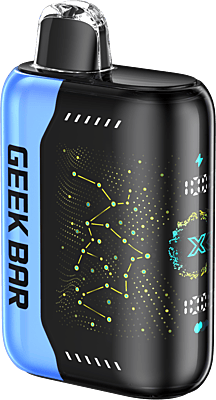
If the issue continues even after proper charging, it may be time to replace it with a fresh device like the Geek Bar Pulse X for consistent performance.
Read More: How To Charge A Geek Bar?
Geek Bar Lights Up But Not Hitting
You take a pull, the light comes on — but there’s still no vapor. That can definitely throw you off. When the device powers up but doesn’t respond the way you expect, it’s usually tied to a specific trigger. Let’s break down the most common causes:
Airflow Sensor Not Activating: The device works when you inhale. If the sensor doesn’t detect your draw properly, it won’t produce vapor even though the light turns on.
Blocked Airflow Vents: Small airflow holes can get covered by your fingers or blocked by dust, which stops air from moving through the device.
Internal Connection Issue: If something inside isn’t connecting the way it should, the light may come on, but the heating element won’t activate.
How to Fix It?
Check the small airflow openings and make sure they’re not covered or blocked. Even a finger placement issue can restrict airflow.
Take slow, steady pulls instead of quick, sharp inhales so the draw sensor can activate properly.
Gently tap the device in your hand once or twice to help the internal sensor reset.
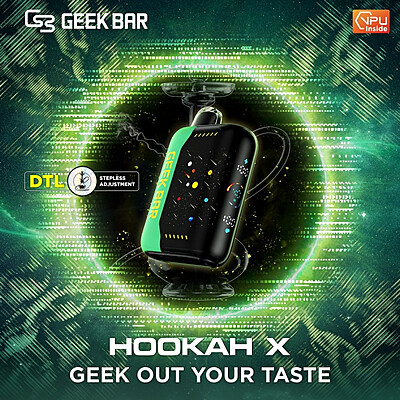
For consistent draw activation and smooth airflow, many users prefer devices such as the Geek Bar Hookah X (5ct).
Geek Bar Blinking But Not Hitting
A blinking light isn’t random — it’s your device’s way of signaling that something needs attention. If your Geek Bar is not hitting and flashing red instead, the pattern usually connects to a specific internal condition. Here are the most common reasons behind it:
Low Battery: The device may blink to signal that the battery doesn’t have enough power left to produce vapor.
Short Circuit Protection Activated: Built-in safety features can trigger blinking if the device detects an internal issue.
Puff Limit Reached: Many disposables are designed with a maximum puff count. Once that limit is hit, the device may stop working.
E-Liquid Finished: If the liquid inside is used up, the device can blink to indicate it’s effectively done.
How to Fix It?
Plug the device in and allow it to charge fully if it’s a rechargeable model — blinking often stops once the battery has enough power.
If you’ve likely reached the puff limit, the device has completed its intended cycle and won’t reactivate.
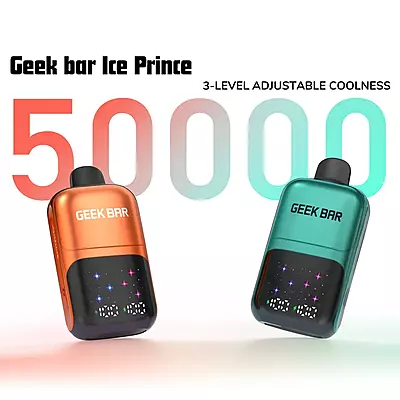
When blinking continues even after charging, it’s usually a sign that the unit has reached the end of its lifespan. In that case, adding options like the Geek Bar Ice Prince (5ct) to your lineup ensures you’re stocked with ready-to-go devices.
Read More: Geek Bar Flashing Red: What To Do
Geek Bar Producing Weak or Burnt Hits
If you’re noticing weaker vapor or a burnt taste when you inhale, that’s your sign that something isn’t performing the way it should. Before you assume the device is done, let’s look at a few common reasons this can happen:
Low E-Liquid Level: If the liquid inside is almost finished, the vapor can start feeling weak, and the flavor may taste dry.
Frequent Back-to-Back Pulls: Taking frequent back-to-back pulls can cause the internal coil to get too hot, which affects both vapor quality and taste.
Coil Not Re-Saturating: When the coil doesn’t get enough time to re-saturate between puffs, performance can drop quickly.
How to Fix It?
Pause for a minute between puffs to give the device time to settle and reset internally.
Take slower, spaced-out draws instead of quick back-to-back pulls.
If the burnt taste doesn’t go away after letting it rest, the device has likely reached its limit, and it’s time for a new one.
Read More: Geek Bar Flavor Guide
Geek Bar Airflow Feels Blocked
If you’re having to pull harder than usual and the draw feels tight, that’s usually a sign that airflow isn’t moving the way it should. Here are the most common reasons this happens:
Dust or Lint in the Vents: Small particles from pockets or bags can collect around the airflow holes and restrict the draw.
Condensation Buildup: Moisture can form inside the airway over time, which slightly blocks smooth airflow.
Physical Blockage: Covering the airflow slots with your fingers while holding the device can limit how air moves through it.
How to Fix It?
Take a quick look at the bottom airflow slots and make sure nothing is covering them.
Use a soft, dry tool like a toothpick or cotton swab to gently clear out any visible debris.
Avoid using sharp or metal objects, since they can damage the internal components.
Step-by-Step Troubleshooting: Geek Bar Not Working After Charging
- Step 1 — Check the cable and port: Swap to a different USB cable and ensure the charging port is clean and unobstructed.
- Step 2 — Complete a full charge cycle: Plug in the device and leave it until fully charged without interruption.
- Step 3 — Inspect the airflow vents: Check for dust, lint, or condensation blocking the bottom slots.
- Step 4 — Try a slow, steady draw: This gives the draw sensor the best chance to activate properly.
- Step 5 — Check for blink patterns: Refer to the table above to interpret what the light signals mean.
- Step 6 — Replace if no improvement: If the device still doesn’t hit after all checks, it has likely reached the end of its lifespan.
When to Replace Your Geek Bar?
If you’ve tried the fixes and the device still isn’t responding, it may simply be time for a new one.
Disposable vapes have a built-in lifespan. Once that limit is reached, they won’t restart.
If the battery drains and won’t recharge properly, the device has likely completed its cycle.
Continuous blinking with no vapor usually signals it’s done.
No light, no vapor, and no response after charging often point to internal wear.
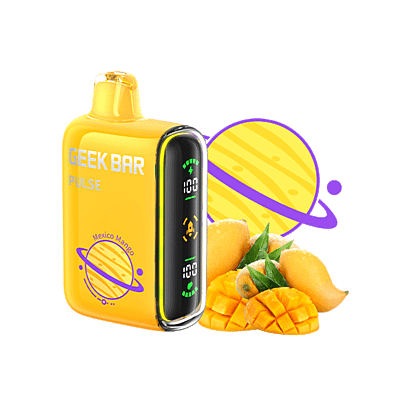
When it’s time for a new device, many users move to the Geek Bar Pulse for its updated design and consistent output. If you want to know more about this device, read our Geek Bar Pulse review.
Safety Note: If the device becomes unusually hot, leaks heavily, or shows signs of internal damage, stop using it and replace it immediately. |
Still Not Hitting? It Might Be Time for a New Device
If your Geek Bar not hitting, start by checking the basics — battery level, airflow openings, and how the device responds when you inhale. In many cases, these quick checks reveal the cause and help restore normal performance.
But if the device still produces no vapor after troubleshooting, it may have simply reached its built-in lifespan. Disposable vapes are designed to stop working once the battery or e-liquid runs out. When that happens, replacing the device is the easiest way to get back to a smooth, consistent experience.
Final Thoughts
If your Geek Bar is not working after charging, start with the basics: check the cable, clean the port, inspect the airflow vents, and complete a full charge cycle. These four steps resolve the issue in the majority of cases.
If the device still isn’t hitting after all of these checks, it’s most likely that the battery has reached its end, the puff limit has been hit, or the e-liquid has run out. Disposable and rechargeable Geek Bar models are built with a set lifespan — when they’re done, replacing with a fresh device is the fastest and most reliable solution.
FAQs
Why is my Geek vape not hitting right out of the box?
First, remove any bottom stickers or airflow seals — many new units have them. Then try a slow, steady draw. If there’s still no light or response at all, it may be a rare factory defect, and you should contact the seller with the packaging details.
Can temperature affect my Geek Bar’s performance?
Yes. Very cold conditions can reduce battery output, making the device feel weak or unresponsive. Let it return to room temperature for 15–20 minutes before trying again. Extreme heat can also impact internal components.
Why does my Geek Bar feel tight when I inhale?
Check that you’re not covering the airflow slots with your fingers. Also, inspect the bottom vents for dust or lint. A tight draw usually means airflow is partially restricted.
Does puff count affect when a Geek Bar stops hitting?
Yes. Disposable models are designed with a maximum puff limit. Once that limit is reached, the device will stop producing vapor even if the light still activates.
Should I return my Geek Bar if it stops working quickly?
If it fails within a short time despite proper charging and normal use, keep the packaging and contact the retailer. Most sellers can verify the batch and advise on replacement if needed.
How long do Geek Bar vapes last?
It depends on the specific model and how often it’s used. Most disposable devices are designed with a set puff range, which can vary from a few thousand puffs to much higher counts in newer models. Once the battery runs out or the e-liquid is finished, the device will stop producing vapor and needs to be replaced.
Read More: How long do a Geek Bar last?